
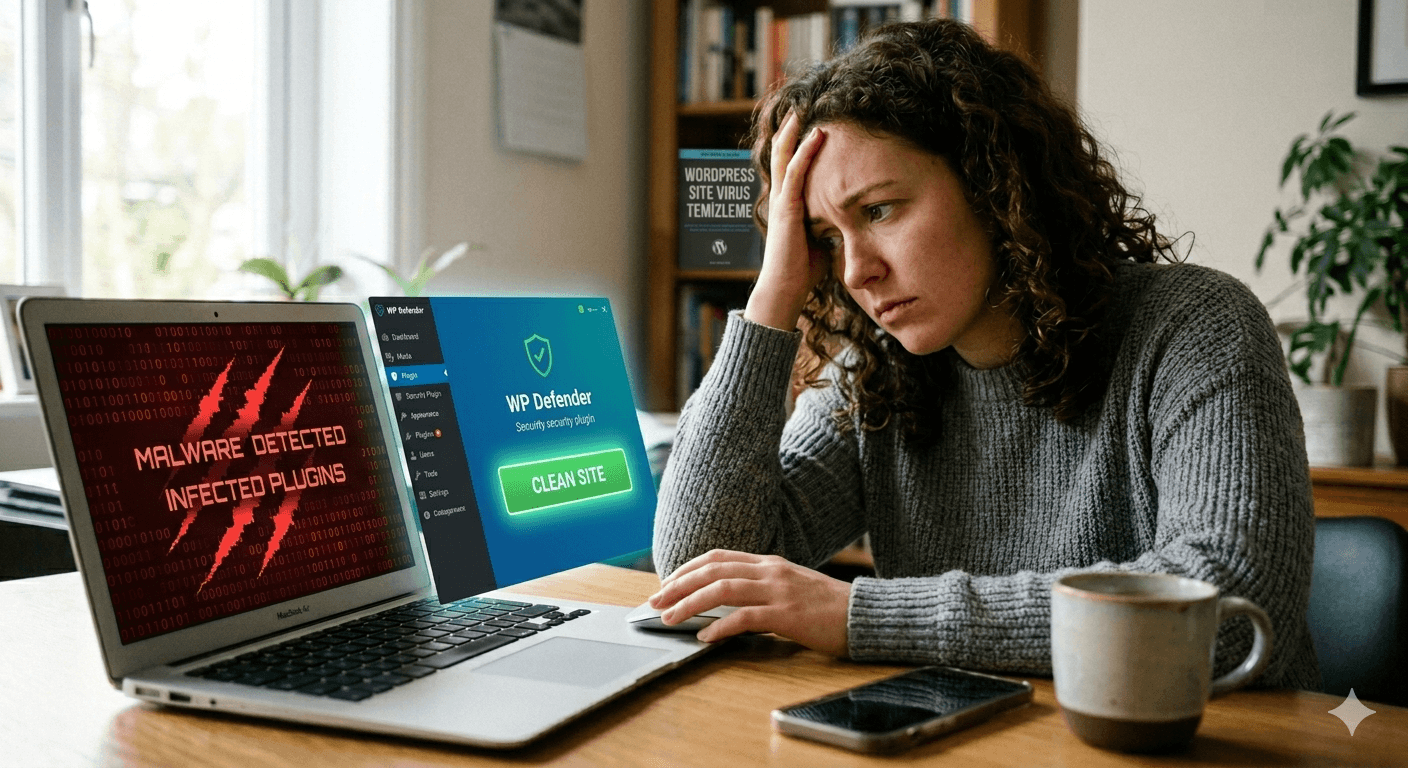
When a WordPress site gets infected, the first step is not panic. Randomly deleting files or installing multiple security plugins can make the situation harder to understand.
Start with the visible symptoms
- Is the site redirecting to another domain?
- Does the browser or Google show a warning?
- Are there unknown admin users?
- Were new plugins or themes installed recently?
- Are there suspicious files in the WordPress directory?
Cleanup is not only file removal
Removing malicious files is only one part of the job. The original entry point should also be found. Otherwise the same issue can return after a few days.